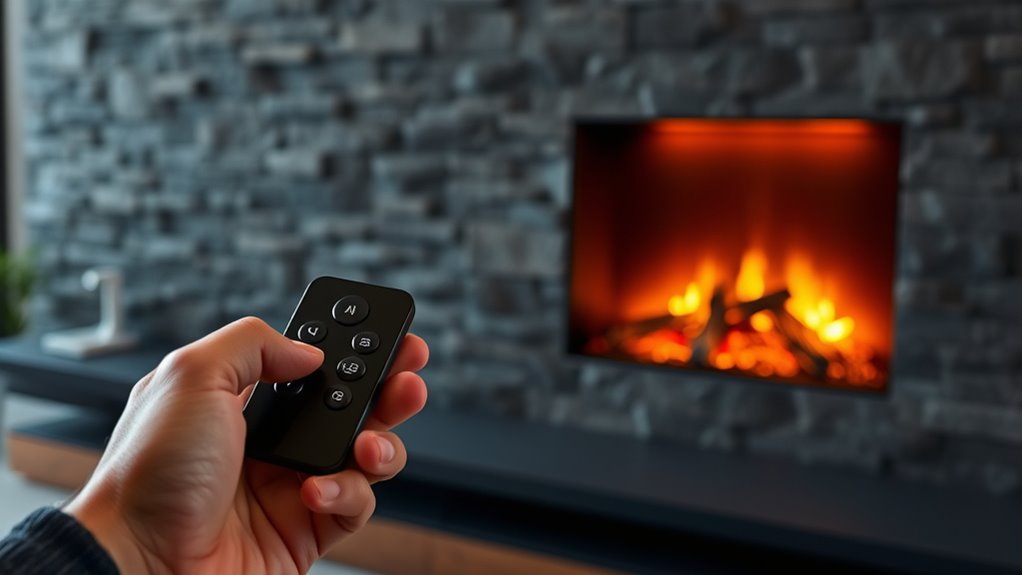

To pair or replace your electric fireplace remote, start by checking that the batteries are fresh and correctly inserted. Turn off the fireplace before resetting or reprogramming the remote, following the manufacturer’s specific instructions. If pairing fails, reset the remote’s memory and re-pair it with the fireplace using the designated process. If problems persist, replacing the remote might be necessary, and ensuring compatibility is key. Learn more steps to restore full control by exploring further instructions.
Key Takeaways
- Ensure batteries are fresh, correctly installed, and contacts are clean before attempting pairing.
- Enter pairing mode by pressing and holding specific buttons on the remote or fireplace, following manufacturer instructions.
- Reset or reprogram the remote if unresponsive, and re-pair it with the fireplace after resetting.
- Verify remote compatibility with your fireplace model and consider replacement if malfunction persists.
- Follow manufacturer-specific procedures for re-pairing or replacing the remote control to ensure proper functionality.
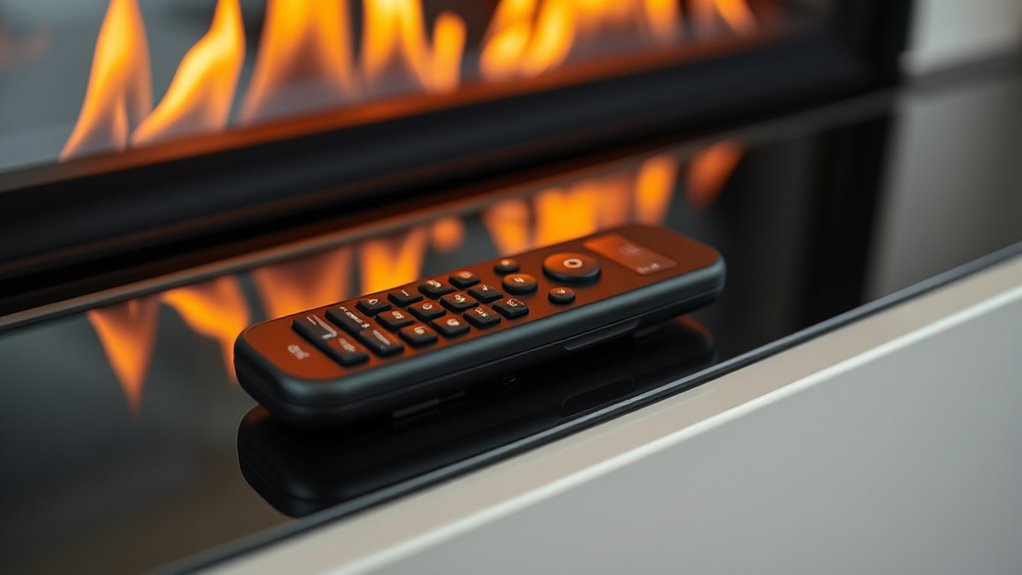
If your electric fireplace remote isn’t functioning properly, it may need to be paired or replaced. Troubleshooting the remote control is the first step to determine the issue. Start by checking if the remote has fresh batteries. Often, the problem lies in weak or dead batteries, so removing the battery compartment cover and inspecting the batteries is essential. For battery replacement tips, ensure you’re using the correct type specified by the manufacturer. Clean the contacts with a dry cloth to remove any corrosion or dirt that might hinder power flow. After replacing the batteries, test the remote again by pressing the power button or other functions. If it still doesn’t respond, the remote might need to be re-paired with your fireplace.
To re-pair, first, turn off your electric fireplace. Most models require you to press and hold a specific button on the remote or on the fireplace itself to initiate pairing mode. Consult your user manual for exact instructions, as the process can vary. Typically, you’ll need to press and hold the power button on the remote until an indicator light flashes or you hear a confirmation beep. Once in pairing mode, press the designated pairing button on the fireplace or follow the instructions to complete the process. If successful, the remote should control your fireplace normally. If not, double-check the manual for troubleshooting tips or consider resetting both the remote and the fireplace.
Sometimes, remotes require a factory reset or reprogramming, especially if they’ve been unused for a while or if multiple remotes are used with the same unit. Clearing the remote’s memory and pairing it again can resolve persistent issues. If your remote still refuses to work despite battery replacement and re-pairing, it might be damaged or malfunctioning. In this case, replacing the remote control altogether might be the best option. When buying a new remote, ensure it’s compatible with your specific fireplace model. Keep in mind that some remotes come with batteries included, but it’s always good to verify this before making a purchase.
Additionally, understanding the remote control technology used can help in troubleshooting and selecting suitable replacements.
electric fireplace remote control replacement
As an affiliate, we earn on qualifying purchases.
As an affiliate, we earn on qualifying purchases.
Frequently Asked Questions
Can I Use a Universal Remote With My Electric Fireplace?
Yes, you can use a universal remote with your electric fireplace if it’s compatible. To guarantee universal remote compatibility, check your remote’s code list and your fireplace’s remote code requirements. Use remote programming tips like entering the correct code and testing functions to confirm proper operation. Keep in mind, not all universal remotes work seamlessly, so verify compatibility before purchasing or attempting to pair.
How Do I Reset My Remote if It Stops Working?
If your remote stops working, start by removing the batteries and waiting a few minutes to reset it. Then, reinsert the batteries and follow the pairing procedures outlined in your manual. For effective remote troubleshooting, make certain there’s no interference or obstructions. If it still doesn’t work, repeat the process or consider replacing the batteries. Resetting your remote helps restore proper pairing and functionality quickly.
What Should I Do if the Remote’s Batteries Keep Draining?
If your remote’s batteries keep draining like a sinking ship, you need to focus on battery conservation and remote power saving tips. First, turn off the remote when not in use, and avoid pressing multiple buttons unnecessarily. Use high-quality batteries, and consider switching to rechargeable ones with low self-discharge. Also, keep the remote away from extreme temperatures, which can accelerate battery drain and make your vintage tech feel like a relic.
Is It Safe to Replace the Remote’s Batteries Myself?
Yes, you can safely do a DIY replacement of your remote’s batteries, but always prioritize battery safety. Handle batteries carefully, avoid mixing old and new ones, and use the correct type specified by the manufacturer. Make certain your remote is turned off before replacing the batteries, and wash your hands afterward. If you’re unsure, consult the user manual or seek professional help to ensure safe and proper replacement.
How Long Does a Typical Remote Battery Last Before Replacement?
A typical remote battery lasts about 6 to 12 months before needing replacement, depending on usage and the battery type. You should consider the battery lifespan and replacement frequency to guarantee your remote functions properly. If you notice reduced range or difficulty in controlling your fireplace, it’s time to replace the batteries. Regularly checking and changing them helps maintain seamless operation and prevents unexpected power loss.
universal remote for electric fireplace
As an affiliate, we earn on qualifying purchases.
As an affiliate, we earn on qualifying purchases.
Conclusion
Now that you know how to pair your remote and replace it when needed, maintaining your electric fireplace becomes simple. Remember, a working remote guarantees you enjoy the cozy comfort effortlessly. Don’t let a dead remote ruin your relaxing evenings—are you ready to keep your fireplace functioning perfectly? With these quick tips, you’ll stay in control and warm all season long. Keep your remote handy, and enjoy the warmth with ease!

Fireplace Remote Control Kit,Thermostat, On/Off Remote Control, Timer, LCD Screen, Touch Key Buttons for Millivolt Valve System, Replace for skytech 1420-A, 1420TH-A, 1001-A, 1001TH-A and More.
- Backlit Touch Key Buttons: Easy to see at night with yellow backlight
- Temperature Control: Adjust and set desired fireplace temperature
- Universal Compatibility: Connects to standard millivolt gas valve systems
As an affiliate, we earn on qualifying purchases.
As an affiliate, we earn on qualifying purchases.

Nimiko Flameless Candles with Remote, Battery Operated Flickering Flameless Candles, LED Candles with Timer 2/4/6/8H, with Realistic LED Candles Set of 9 (D3 x H 3" 4" 5" 6" 7") (Ivory)
- Realistic Flickering Effect: Simulates real candle flicker with 3D wick design
- Remote Control Convenience: Operate candles remotely with timer options
- Multiple Timer Settings: Choose 2H, 4H, 6H, or 8H cycles
As an affiliate, we earn on qualifying purchases.
As an affiliate, we earn on qualifying purchases.