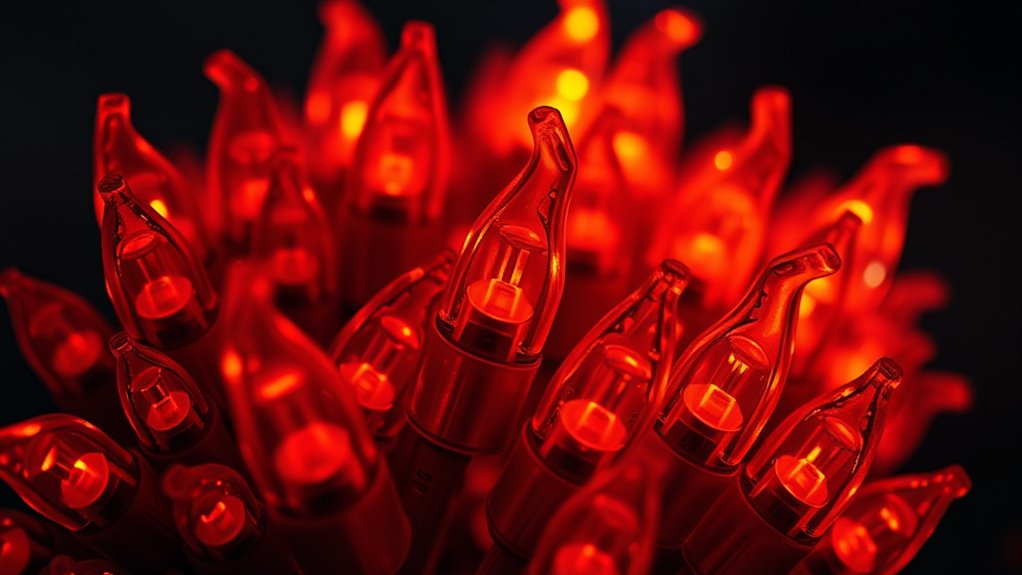
If your LED flames or embers aren’t lighting up, start by checking that your unit is plugged in securely and the outlet works. Inspect the wiring for damage and make certain all connections are tight. Reset the power or control panel, and replace remote batteries if needed. If the problem persists, verify the flame effect settings and clean sensors or light detectors. For further troubleshooting steps, explore additional tips to restore your flame effects quickly.
Key Takeaways
- Check and secure all wiring connections, especially at the LED modules and control board, for damage or looseness.
- Verify power supply and remote control functionality; reset or replace batteries if needed.
- Inspect LED modules for burnout, and replace faulty units to restore lighting.
- Adjust flame effect settings via the control panel or app, ensuring proper configuration.
- Clean sensors and light detectors to prevent obstructions that may inhibit flame lighting.
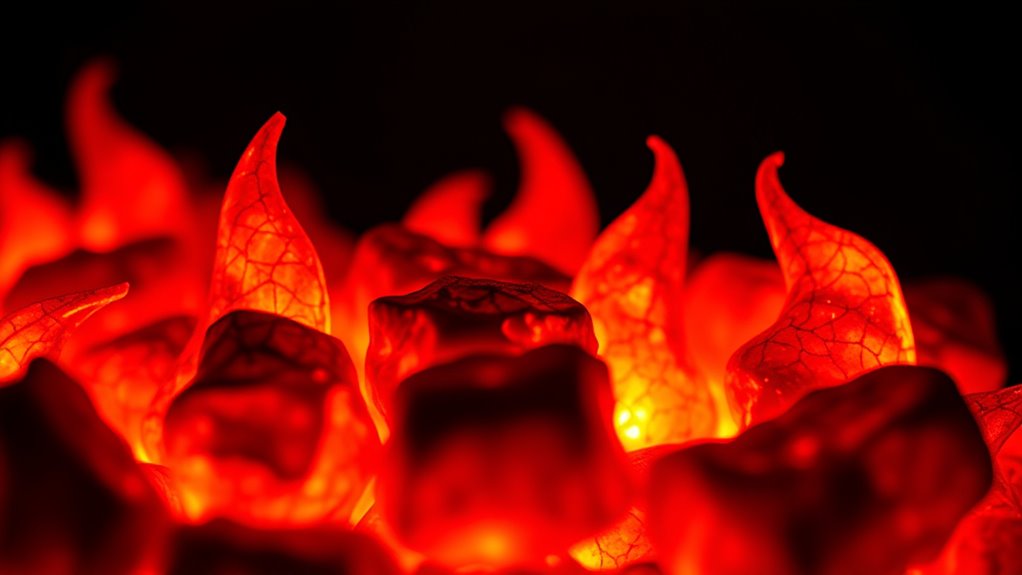
If your LED flames or embers aren’t lighting up, it can be frustrating, but the issue is often straightforward to troubleshoot. Many problems stem from ignition troubleshooting or a disruption in the flame simulation process. The first step is to check the power source. Ensure the unit is plugged in securely and that the outlet is functioning properly. Sometimes, a simple reset or replacing a blown fuse can resolve the problem. If your LED fireplace has a remote or control panel, verify that it’s powered and functioning correctly. A malfunctioning remote can prevent the flames from lighting, so replacing batteries or troubleshooting the remote itself might be necessary.
Check the power source and remote to ensure your LED flames light up properly.
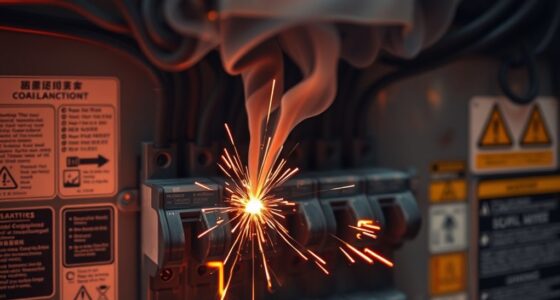
Next, examine the wiring connections. Loose or damaged wires can interrupt the flow of power to the LED system, causing the flames or embers to stay dark. Carefully inspect all wiring, paying close attention to connections at the power supply, control module, and LED modules. If you notice frayed wires or corrosion, replacing or repairing these connections can restore proper operation. During ignition troubleshooting, it’s also essential to confirm that the control board or circuit board is working correctly. Sometimes, a reset or power cycle can clear errors or glitches that inhibit flame simulation. Ensuring the lifetime of LED lights is maintained can prevent unexpected failures.
If the hardware seems intact, focus on the flame simulation system itself. Many LED fireplaces use digital effects to mimic real flames and embers. If the flames aren’t flickering or glowing, check the settings on your control panel or app. Adjust the brightness, contrast, or flame modes to see if the visual effects activate. Some units have built-in diagnostics or indicator lights that signal errors or malfunctions. Consulting the user manual can help interpret these signals and guide you through specific troubleshooting steps.
In some cases, the problem may be with the LED modules or the light source itself. Over time, LEDs can burn out or become faulty. If you have access to replacement parts, swapping out the LED modules can determine if the issue lies there. Additionally, ensure that any sensors or light detectors are clean and unobstructed, as dirt or debris can interfere with the flame simulation and cause the flames not to display correctly.
Finally, if you’ve gone through all these steps and the flames still won’t light, it might be time to contact the manufacturer or a professional technician. They can perform more advanced diagnostics or repairs. Remember, most issues with LED flames or embers are fixable with some patience and careful troubleshooting, so don’t give up too quickly. With a systematic approach to ignition troubleshooting and flame simulation checks, you can often restore that cozy, flickering glow to your fireplace.
LED fireplace flame effect replacement
As an affiliate, we earn on qualifying purchases.
As an affiliate, we earn on qualifying purchases.
Frequently Asked Questions
Can LED Flames Be Repaired at Home?
Yes, you can repair LED flames at home. Start with DIY fixes like checking power connections, replacing loose wires, or resetting the circuit. If these don’t work, consider replacement options for faulty LEDs or circuit boards. Always unplug the unit before working on it, and consult your device’s manual for specific instructions. With patience, you can often restore your LED flames without needing professional help.
How Long Do LED Ember Lights Typically Last?
LED ember lights usually last as long as a good book—around 30,000 to 50,000 hours. Their battery lifespan depends on usage and quality, so consider using energy-efficient modes. Proper installation tips, like secure wiring and avoiding moisture, help extend their life. With proper care, you can enjoy the warm glow for years, making your space cozy without frequent replacements.
Are LED Flames Safe for Outdoor Use?
Yes, LED flames are safe for outdoor use when you follow proper fire safety and installation guidelines. They’re designed with outdoor durability in mind, resisting weather conditions like rain and sun. Just make certain you place them on stable surfaces and keep them away from flammable materials. Regularly check the wiring and connections to prevent electrical issues, and enjoy the cozy ambiance without compromising safety.
Do LED Flames Require Special Cleaning?
Think of your LED flames as tiny, flickering stars needing gentle care. They don’t require special cleaning, but regular cleaning maintenance keeps them shining bright. Use a soft cloth and a bit of dust removal to wipe away dirt and debris that can dull their glow. Avoid harsh chemicals, and don’t forget to unplug them before cleaning. This simple care preserves their vibrant, realistic flame effect for years to come.
What’s the Best Way to Troubleshoot Flickering LEDS?
To troubleshoot flickering LEDs, first check the fireproof casing for any damage or loose connections. Make certain your LEDs are voltage compatible with your power source, as mismatched voltage causes flickering. Next, inspect the wiring for loose or frayed wires, and tighten or replace as needed. If flickering persists, consider replacing the LEDs, as faulty components can also cause instability. Always turn off power before inspecting.
LED embers light sensor cleaning kit
As an affiliate, we earn on qualifying purchases.
As an affiliate, we earn on qualifying purchases.
Conclusion
When your LED flames or embers refuse to ignite, it’s like trying to wake a sleeping dragon—you need patience and the right touch. Check your connections, replace batteries, or reset the system like you’re tuning a delicate instrument. With a little troubleshooting, you’ll breathe life back into your glowing fire, turning cold embers into a flickering dance of warmth and light. Don’t let a silent flame dim your cozy glow—keep the fire alive and shining bright.
LED flame module repair parts
As an affiliate, we earn on qualifying purchases.
As an affiliate, we earn on qualifying purchases.
remote control batteries for LED fireplace
As an affiliate, we earn on qualifying purchases.
As an affiliate, we earn on qualifying purchases.