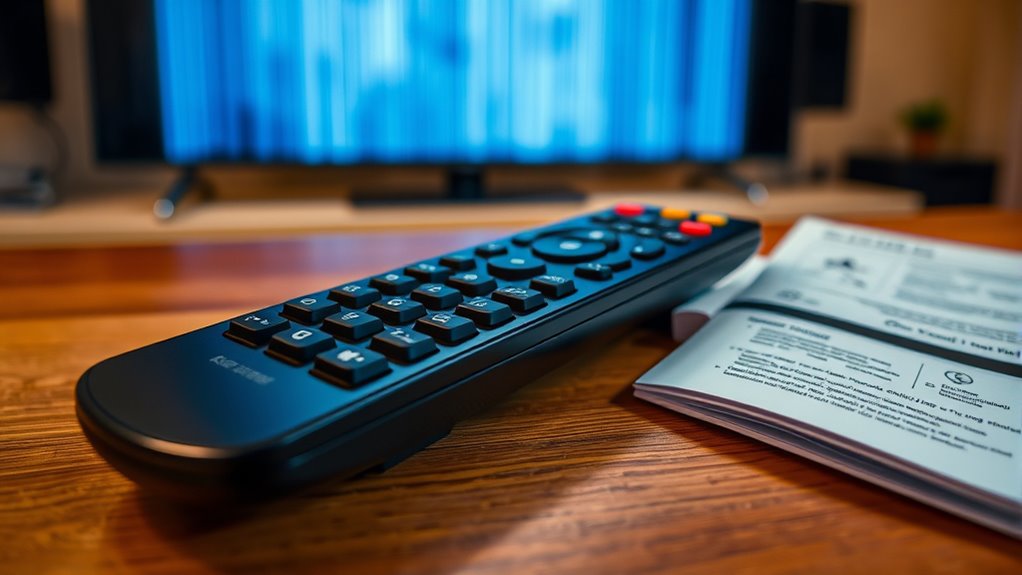

When your remote isn’t working, start by replacing the batteries and cleaning the IR sensor to improve signal transmission. Make certain there’s a clear line of sight and no obstructions when pointing it at your device. If that doesn’t help, try resetting your device or using a manufacturer’s app if available. Universal remotes or remote control apps can also be quick fixes. For more detailed tips, you’ll find step-by-step solutions to get your remote back in action.

Get home appliances delivered free with Prime
- Fast, free delivery on millions of items
- Prime Video, Amazon Music and more included
- Member-only deals all year
Key Takeaways
- Check and replace remote batteries, clean IR sensor, and ensure unobstructed line of sight to the device.
- Use manufacturer’s app or universal remote to test functionality and bypass hardware issues.
- Reset or unplug the device, then reconnect to resolve software or connectivity glitches.
- Program universal remotes with correct codes or auto-scan, and update signals if needed.
- Consult device manuals or contact support for model-specific troubleshooting guidance.
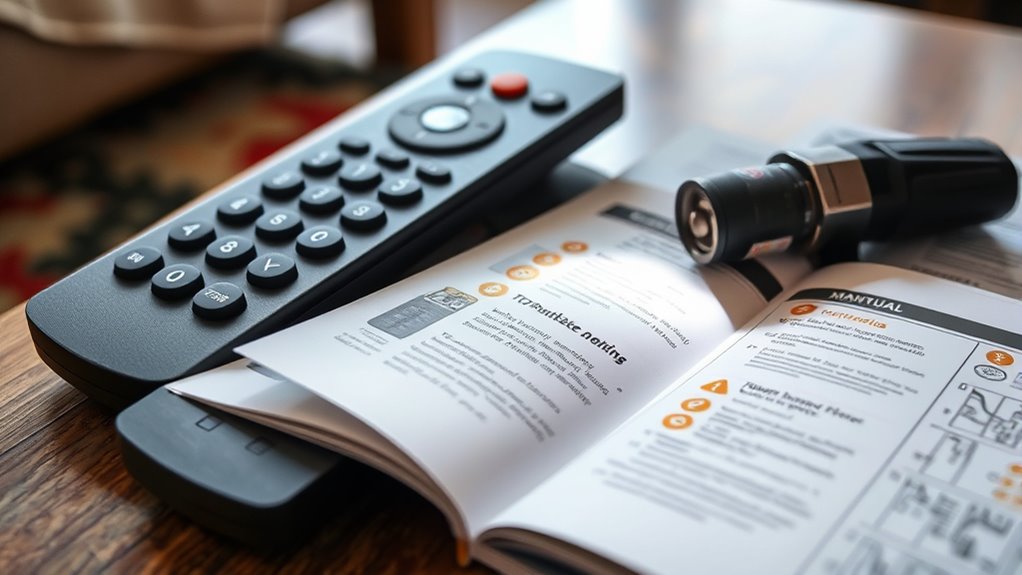
A remote control is a handy device, but when it stops working, it can quickly become frustrating. You might find yourself pressing buttons repeatedly, hoping something will respond, only to be met with silence or error. Before you give up and start replacing batteries or buying a new remote, try a few troubleshooting steps. Many modern solutions involve smartphone apps or universal remotes, making it easier to regain control without much hassle.
First, consider whether your remote uses batteries or if it’s a smart device connected via Wi-Fi or Bluetooth. If it’s battery-powered, replace them even if they don’t seem dead; sometimes, weak batteries cause inconsistent signals. If your remote relies on Bluetooth or Wi-Fi, ensure your device is properly connected to the network. For traditional remotes, check for obstructions or dirt on the remote’s IR sensor and clean it gently. Dust, grime, or even a misplaced object can interfere with the signal. Make sure you’re pointing the remote directly at the device, as indirect angles can weaken the signal.
Check batteries and ensure IR sensor is clean for reliable remote signals.
If physical checks don’t solve the problem, it’s time to explore alternative control options. Smartphone apps have become a popular way to manage devices, especially if your remote isn’t working. Many manufacturers offer free or paid apps that turn your phone into a remote control via Wi-Fi or Bluetooth. Download the app compatible with your device, follow the setup instructions, and see if you can control your TV or other gadgets. This method can bypass hardware issues entirely and provide a more intuitive way to troubleshoot.
Another useful solution is a universal remote. These devices are designed to replace multiple remotes, simplifying your entertainment setup. If your original remote isn’t working, a universal remote can help you regain control quickly. Most universal remotes can be programmed using codes found in their manuals or automatically scanned. Once set up, they often work more reliably because they use updated infrared signals or RF technology. Plus, they eliminate the need to juggle multiple remotes cluttering your space.
In some cases, the problem might be with the device you’re trying to control rather than the remote itself. Try turning your device off and unplugging it for a few minutes, then plugging it back in. Resetting your device can sometimes resolve connectivity issues. Additionally, understanding credit card terms and security measures can be crucial if your remote is linked to smart home systems that require secure connections. If all else fails, consult the device’s user manual or manufacturer’s support resources. They often have troubleshooting guides specific to your model.
Products Worth Considering

Philips Hue Secure Wired Video Doorbell, 2K, Black

Levoit Eleva 300X HEPA Air Purifier for Home and Bedroom

Bose TV Speaker (2nd Gen) Compact Soundbar with Bluetooth and HDMI Connectivity
As an affiliate, we earn on qualifying purchases.
Frequently Asked Questions
Can Remote Controls Be Repaired or Should I Replace Them?
You can often repair your remote if the issue is minor, like replacing batteries or cleaning the contacts, but for more complex problems, remote repair might not be effective. In such cases, remote replacement is usually the best option to ensure reliable performance. Consider the cost and feasibility of repair versus replacement; if repairs are costly or unlikely to work, replacing the remote is a practical solution.
Why Does My Remote Work Intermittently?
Ever notice your remote works intermittently just when you’re about to settle in? Coincidence? Probably not. Most often, inconsistent remote signals stem from weak batteries or contact issues. Check and replace the batteries first, ensuring they’re seated properly. Dirt or corrosion on the contacts can also disrupt the signal. Keep your remote clean and fresh batteries handy to restore reliable performance and avoid frustrating interruptions.
How Do I Reset My Remote Control?
To reset your remote control, start by removing the remote battery and waiting for about 30 seconds. Then, press any button to discharge residual power. Insert the remote battery back in, ensuring it’s properly aligned. This acts as a remote reset, helping resolve minor glitches. If issues persist, consider replacing the remote battery, as a weak power source often causes remote malfunction.
Are There Universal Remotes Compatible With All Devices?
Sure, universal remotes promise to control all your devices, but don’t be fooled—they often fall short on true device compatibility. While some models claim to work with a wide range of gadgets, you might still face compatibility issues with certain brands or newer tech. So yes, there are universal remotes, but be prepared for occasional frustration, and don’t expect them to handle absolutely everything flawlessly.
What Should I Do if the Remote Sensor Is Blocked?
If your remote sensor is blocked, first remove any objects obstructing the sensor to prevent sensor blockage. Make certain there’s no infrared interference from nearby electronic devices or bright lights, which can disrupt signal transmission. Clean the sensor gently with a soft cloth to remove dust or smudges. Test the remote afterward to see if it works properly. Avoid direct sunlight or fluorescent lights that might cause infrared interference and affect remote performance.
Conclusion
When your remote refuses to cooperate, remember that patience is your greatest tool—like a lighthouse guiding you through stormy seas. By checking batteries, resetting connections, and ensuring no obstructions, you’ll often find the solution waiting just beneath the surface. Don’t let frustration cloud your judgment; instead, see these hiccups as stepping stones toward mastery. With a little perseverance, you’ll turn the tide and regain control, transforming obstacles into opportunities for confidence and clarity.