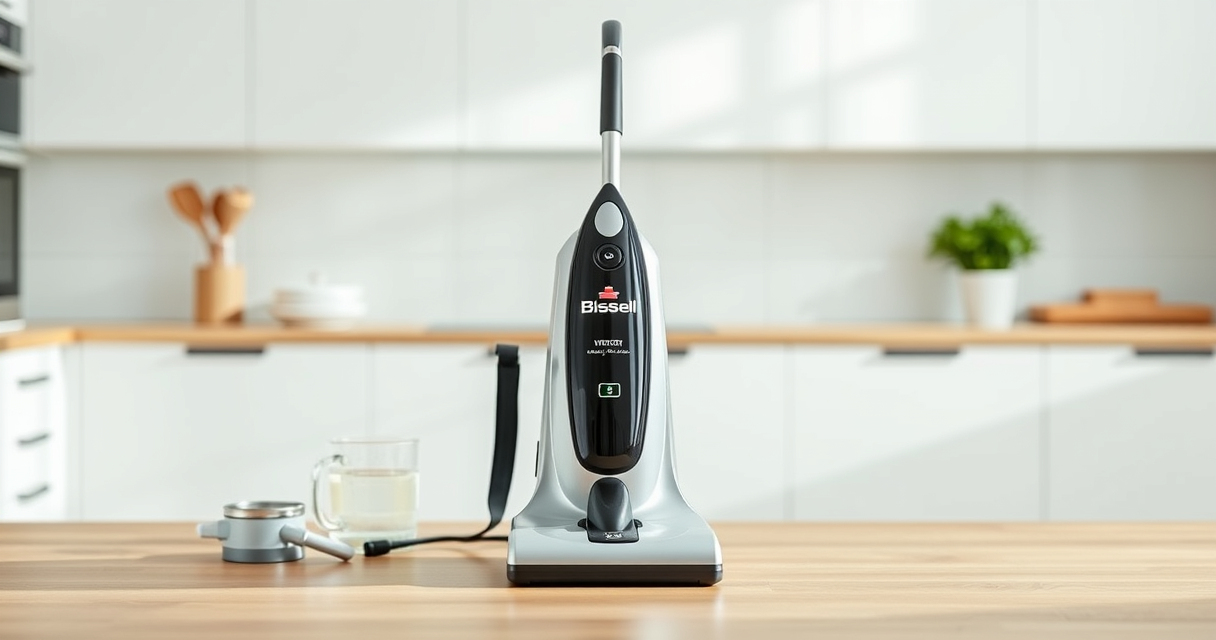

Keeping your Bissell ProHeat 2X Revolution Pet Turbo upright carpet cleaner in tip-top shape ensures it performs at its best, helping you achieve professional-style results every time. Whether you’re facing suction issues, leaks, or cleaning inefficiencies, this step-by-step guide will walk you through common troubleshooting and maintenance routines. Regular care not only extends your machine’s lifespan but also guarantees a thorough, safe clean for your home.

Get home appliances delivered free — and shop member deals
- Fast, free delivery on millions of items
- Access to Prime Big Deal Days deals on October 6–7
- Prime Video, Amazon Music and more included
Before diving into troubleshooting, gather your user manual and have replacement parts like filters or brushes ready if needed. Always disconnect your cleaner from power before performing any maintenance or repairs to ensure safety.
Key Takeaways
| Regular cleaning extends lifespan | Routine maintenance prevents clogs, leaks, and suction issues. |
| Check filters and brushes frequently | Worn or clogged filters and brushes reduce cleaning effectiveness. |
| Proper storage prevents damage | Store your cleaner in a dry, cool place and keep hoses free of kinks. |
| Address issues promptly | Early troubleshooting avoids costly repairs and downtime. |
Preparing for Troubleshooting and Maintenance
Before starting any troubleshooting, ensure your Bissell ProHeat 2X Revolution is unplugged. Gather essential supplies such as clean water, Bissell Multi-Surface Solution, replacement filters or brushes if needed, and a soft cloth. Familiarize yourself with the user manual for specific part locations and safety instructions. Proper preparation ensures a smooth process and reduces the risk of damage or injury.
Common Issue: Loss of Suction Power
- Check the water tank and ensure it is filled properly and seated correctly. Sometimes, an improperly positioned tank can disrupt suction.
- Inspect the dirty water tank for clogs or blockages. Empty and rinse thoroughly if needed.
- Examine the brush roll and suction path for debris or hair that might cause obstruction. Remove any tangled hair or debris carefully.
- Clean or replace filters as they can clog over time, reducing suction. Refer to the user manual for filter location and replacement instructions.
- Ensure the hose is free of kinks and blockages. Detach and clear any debris if necessary.
After completing these steps, reconnect and test the machine. If suction remains weak, proceed with further inspection or contact support.
Addressing Leaks and Water Drips
- Inspect all water and solution tanks for cracks or damage. Replace damaged tanks promptly.
- Check the tank seals and gaskets for wear or misalignment. Clean and reposition or replace if necessary.
- Ensure all caps and latches are securely closed and properly fitted.
- Examine the hose connections for loose fittings or cracks. Tighten or replace as needed.
- Clean the internal valves and nozzles, removing any buildup or debris that may cause leaks.
Properly sealing all components prevents water damage and ensures effective cleaning. Regular inspection helps catch issues early.
Maintaining Brush Roll and Cleaning Path
- Remove the brush roll according to the user manual instructions. Usually, this involves releasing a latch or unscrewing a compartment.
- Clean the brush roll thoroughly, removing hair, fibers, and debris. Use a soft brush or cloth for stubborn dirt.
- Check the bristles for wear and replace the brush roll if bristles are worn down or damaged.
- Inspect the cleaning path for debris or buildup. Wipe with a damp cloth and dry completely before reassembling.
- Lubricate moving parts if recommended in the manual to maintain smooth operation.
Regularly maintaining the brush roll and cleaning path ensures deep cleaning effectiveness and prolongs product life.
Replacing Filters and Brushes
Filters and brushes are critical for optimal cleaning and should be replaced periodically. Use only compatible replacements such as the JORAIR Brush Replacement for CrossWave, which fits select models and includes filters and brushes.
To replace filters, locate the filter housing, remove the old filter, and insert the new one. For brushes, remove the brush roll compartment, detach the old brush, and install the new one, ensuring it spins freely.
Regular replacement ensures your machine maintains powerful suction and effective dirt removal, especially in pet-heavy households.
Routine Maintenance Tips and Safety Warnings
- Always unplug your Bissell before performing maintenance or replacing parts.
- Use only manufacturer-approved parts and cleaning solutions to avoid damage.
- Avoid overfilling water tanks to prevent leaks and spills.
- Regularly check hoses and seals for wear or damage.
- Store your cleaner in a dry, cool place, and avoid kinking hoses or damaging cords.
Performing regular maintenance and adhering to safety precautions will keep your Bissell in top condition and ensure safe operation.
The Products in This Guide

BISSELL ProHeat 2X Revolution Pet Turbo Upright Carpet C
- ✔ Color: Red and Black
- ✔ Dimensions: 13 x 12 x 44 inches
- ✔ Warranty: 2 years

JORAIR Brush Replacement Compatible
- ✔ Color: White/Blue
- ✔ Package Count: 3 brushes & filters
- ✔ Material: Synthetic fibers
BISSELL ProHeat 2X Revolution Pet Turbo Upright Carpet C
The BISSELL ProHeat 2X Revolution Pet Turbo offers advanced TurboStrength motor technology, providing 40% more suction with 50% less noise. Its MAX Clean Mode tackles embedded dirt and stains, while the EXPRESS mode dries carpets in about 30 minutes. HeatWave Technology maintains water temperature for consistent cleaning, and dual DirtLifter PowerBrushes ensure thorough dirt removal.
Pros:
- Powerful suction with TurboStrength motor
- Quiet operation with noise reduction
- Effective stain and allergen removal
- Fast drying time with EXPRESS mode
Cons:
- Weight may be heavy for some users
- Requires regular filter cleaning
- Limited to specific carpet types
Best for: Pet owners and households with heavily soiled carpets
Not ideal for: Light cleaning needs or delicate carpets
Bottom line: A powerful, quiet, and versatile carpet cleaner ideal for pet owners and deep cleaning needs.
JORAIR Brush Replacement Compatible
The JORAIR Brush Replacement Kit offers compatible brushes and filters designed for Bissell CrossWave models, ensuring your machine maintains peak performance. Easy to install and cost-effective, this kit helps keep your cleaner running smoothly and effectively.
Pros:
- Compatible with multiple CrossWave models
- Includes brushes and filters
- Affordable replacement option
- Easy to install
Cons:
- Not compatible with non-CrossWave models
- Limited to specific models
- Filters may need more frequent replacement in heavy use
Best for: Maintaining CrossWave and similar multi-surface cleaners
Not ideal for: Use with non-compatible Bissell models
Bottom line: A reliable, budget-friendly set to keep your CrossWave performing at its best.
Frequently Asked Questions
How often should I clean or replace the filters?
Filters should be cleaned after every few uses and replaced every 3 to 6 months, depending on usage and dirt levels.
What should I do if my cleaner has poor suction?
Check the water tanks, filters, brush roll, and hoses for clogs or debris. Clean or replace parts as needed, and ensure everything is properly seated.
Can I use any cleaning solution with my Bissell?
Use only Bissell Multi-Surface Solution or other recommended cleaning formulas. Avoid harsh chemicals that could damage internal components.
My machine leaks water. What’s the problem?
Inspect tanks and seals for cracks or misalignment. Tighten caps and replace damaged parts. Avoid overfilling water tanks.
How do I maintain the brush roll?
Remove the brush roll and clean it thoroughly, removing hair and debris. Check for wear and replace if bristles are worn down.
Keep Your Bissell Performing at Its Best
Regular maintenance and prompt troubleshooting are key to ensuring your Bissell ProHeat 2X Revolution Pet Turbo continues to deliver professional-grade cleaning results. By following these step-by-step tips, you can troubleshoot common issues safely and efficiently, extending the lifespan of your machine and maintaining a cleaner home environment. Remember, a well-maintained cleaner makes cleaning easier, faster, and more effective, especially when dealing with pet messes and heavily soiled carpets.
Affiliate disclosure: As an Amazon Associate we earn from qualifying purchases. Prices and availability are accurate as of the time of publishing.
Fall Picks
fall essentials
As an affiliate, we earn on qualifying purchases.