Touchscreen controls offer a sleek and intuitive way to manage your devices, making navigation faster and more flexible. However, they lack the tactile feedback you get from buttons or remotes, which can lead to more accidental presses and less reassurance during use. Durability can also be a concern, especially in harsh environments. To discover how to make the best choice for your needs, you’ll find useful insights if you keep exploring the details.
Key Takeaways
- Touchscreens offer sleek, intuitive interfaces with faster navigation, but lack tactile feedback compared to physical buttons.
- Buttons are more durable and reliable over time, resisting damage and providing immediate tactile confirmation.
- Touchscreens can be vulnerable to scratches, damage, and environmental factors, potentially increasing repair costs.
- Physical buttons are preferred for environments requiring durability or use with wet/cold hands.
- The choice depends on user needs for durability, ease of use, and the desired modern or tactile experience.
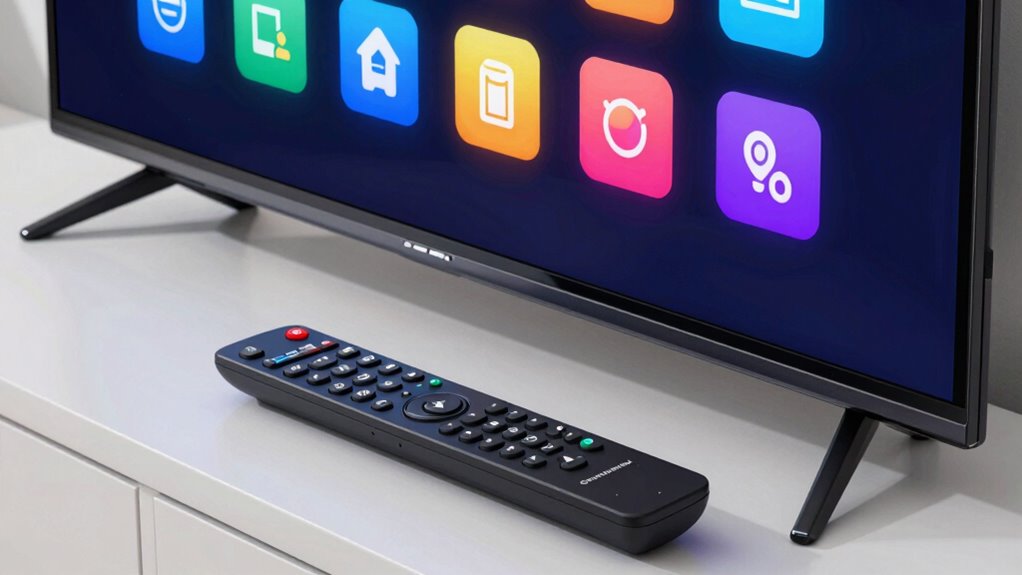
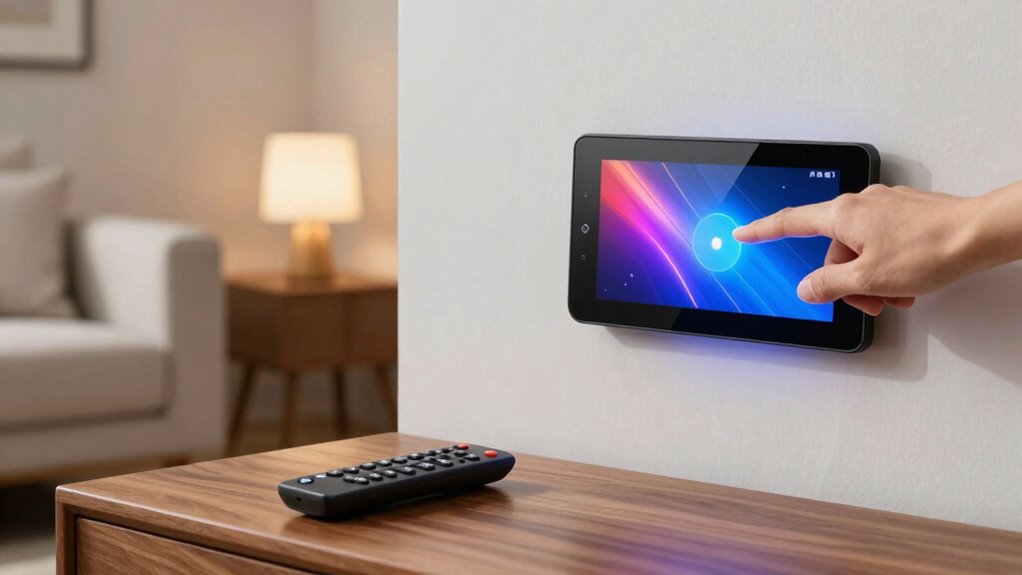
In today’s tech-driven world, many people wonder whether touchscreen controls are truly better than traditional buttons or remote controls. On one hand, touchscreens offer sleek, modern interfaces that can adapt to different needs, but on the other, they come with their own set of challenges. One key feature of touchscreens is gesture recognition, which allows you to control devices with simple swipes, taps, and pinches. This can make *steering* menus feel more intuitive and faster, especially when you’re used to the gestures from smartphones and tablets. With gesture recognition, you don’t need to hunt for specific buttons or memorize complex remote layouts; instead, you just perform natural movements. This ease of use can be a game-changer for many users, especially in smart home environments or entertainment centers where simplicity matters. However, you should also consider durability concerns. Unlike physical buttons that can withstand repeated pressing over years, touchscreens can be more fragile. They are often prone to scratches, cracks, or damage from drops, which can impair their functionality or require costly repairs. This fragility can be frustrating if you value longevity and reliability, especially in high-traffic households or busy offices. Some models mitigate this with reinforced glass or protective coatings, but the risk still lingers. Additionally, touchscreens can be less responsive in extreme conditions, such as when your hands are wet or cold, making gesture recognition less effective. This can hinder your ability to control devices smoothly, forcing you to switch back to traditional buttons or remote controls in certain situations. While touchscreen interfaces can look sleek and modern, they sometimes sacrifice tactile feedback that buttons provide. When you press a physical button, you get immediate confirmation through a tactile response, which can be reassuring and help prevent accidental presses. Touchscreens, on the other hand, rely solely on visual cues, which might make it easier to make mistakes or get confused, especially if the interface isn’t well-designed. So, while gesture recognition and sleek design are appealing features, they don’t completely eliminate the drawbacks associated with durability concerns. Furthermore, body jewelry materials such as titanium and surgical steel, are designed to withstand various environments and reduce irritation, which is a reminder that durability and material quality are important factors in control device design as well. Additionally, understanding the technology differences between various control methods can help you make a more informed choice. Recognizing the importance of user experience can guide you toward selecting controls that best fit your lifestyle and preferences. Moreover, considering ergonomic design can contribute significantly to comfort during extended use.

SofaBaton X2 Universal Remote with Touch Screen, Hub and App, All in One Universal Remote Control with with Charging Dock and Customize Activities, Compatible with IR/Bluetooth/WiFi/RF Devices
【HOME ASSISTANT + MQTT SUPPORT】Fully integrate with your smart home ecosystem. The X2 connects directly to Home Assistant…
As an affiliate, we earn on qualifying purchases.
As an affiliate, we earn on qualifying purchases.
Frequently Asked Questions
How Do Touchscreen Controls Perform in Extreme Weather Conditions?
Touchscreen controls often struggle in extreme weather conditions. Weather resilience can be compromised by cold or wet environments, causing the screen sensitivity to drop or malfunction. In freezing temperatures, your touch may not register well, and moisture can lead to unresponsive screens. You might find buttons or remotes more reliable outdoors, as they aren’t affected by weather and offer consistent performance regardless of environmental challenges.
Are Touchscreen Controls More Durable Than Traditional Buttons or Remotes?
Touchscreen controls aren’t more durable than traditional buttons or remotes. You’ll find button reliability far surpasses touchscreen resilience, especially in rough use. Remote durability outshines fragile screens, which can crack or malfunction with minimal impact. If you’re seeking long-lasting, dependable operation, buttons and sturdy remotes beat touchscreens every time, no matter how high-tech or sleek they appear. Your devices deserve the robustness that only traditional controls can reliably provide.
Do Touchscreen Controls Require More Maintenance Than Physical Buttons?
Touchscreen controls generally require less maintenance than physical buttons, but they can need occasional attention due to sensor sensitivity issues. Dirt or smudges can affect responsiveness, so regular cleaning helps. Additionally, software updates may be necessary to fix bugs or improve functionality, which can involve some maintenance. Overall, with proper care and updates, touchscreen controls stay reliable and easier to maintain than traditional buttons or remotes.
How Accessible Are Touchscreen Controls for Users With Disabilities?
You know what they say, “Where there’s a will, there’s a way.” Touchscreen controls can be accessible if designed thoughtfully. Features like voice commands and haptic feedback help users with disabilities navigate easily. However, they might pose challenges for those with visual impairments or limited dexterity. Ultimately, inclusive design guarantees touchscreen controls serve everyone, making technology more accessible and user-friendly for all abilities.
What Is the Average Lifespan of a Touchscreen Control Compared to Buttons?
Touchscreen controls typically last 3 to 5 years, while buttons can endure for 10 years or more. In a durability comparison, buttons often withstand heavy use better than touchscreens, which may wear out or become unresponsive over time. Repair costs for touchscreens tend to be higher due to their complex components, whereas button repairs are usually simpler and more affordable. So, if longevity and cost are concerns, buttons might be the better choice.

Wireless Zigbee Smart Button, 4-Way Remote Control Button Switch for Smart Home Devices, Scene Controller, Compatible with Tuya, Home Assistant, Homey, Hubitat, Requires Tuya Zigbee Hub
Seamless Wireless Control: Leverages Zigbee wireless technology for reliable remote control of compatible smart home devices and scenes….
As an affiliate, we earn on qualifying purchases.
As an affiliate, we earn on qualifying purchases.
Conclusion
Ultimately, whether you prefer the simplicity of buttons or the sleek sophistication of touchscreens, it’s about what works best for you. Touchscreens tempt with their tech-tantalizing transparency, but traditional buttons bring trusted tactile reassurance. Decide which device delivers your desired delight—dynamic, dependable, or daring. Embrace the experience that excites your senses, and make your choice with confidence. Because in the end, your comfort, control, and convenience come first.

MEKO 3 in 1 Stylus Pens for Touch Screens, High Sensitivity & Precision Capacitive Stylus for Apple iPad iPhone Tablets Samsung Galaxy All Universal Touchscreen Devices (2 Pack-Black/Rose Gold)
【New Upgraded 3-in-1 Stylus】: Building on the foundation of dual rubber tips, this new version adds a more…
As an affiliate, we earn on qualifying purchases.
As an affiliate, we earn on qualifying purchases.

MaxTronic Amphibious Remote Control Car,Rechargeable RC Cars Toy 360° Flips Rotation Stunt Crawler 15KM/H 4WD All Terrain Outdoor Indoor Toy for Kids Boys Girls 3-12
Waterproof for Playing in the Water – Owning rc cars and rc boats is really a cool dream…
As an affiliate, we earn on qualifying purchases.
As an affiliate, we earn on qualifying purchases.