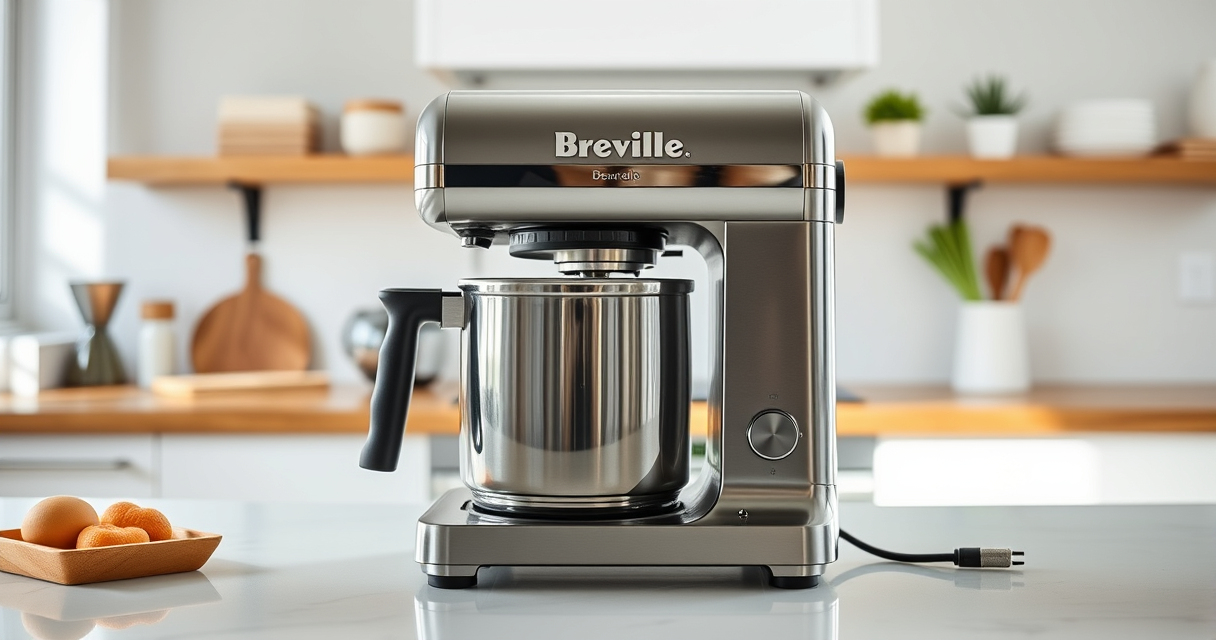

If your Breville Bambino Plus is displaying a ‘No Pressure’ error or you’re experiencing low pressure during extraction, it can affect your coffee quality. This guide provides practical troubleshooting steps to identify and fix common causes, ensuring your espresso machine operates smoothly and produces café-quality drinks at home.

Get home appliances delivered free with Prime
- Fast, free delivery on millions of items
- Prime Video, Amazon Music and more included
- Member-only deals all year
Key Takeaways
| Check the Water Level | Ensure the water reservoir is filled and correctly seated. |
| Inspect the Coffee Grounds | Use the right grind size and dose to avoid channeling or clogging. |
| Clean the Portafilter and Shower Screen | Remove coffee oils and residues that block water flow. |
| Verify the Pump Functionality | Listen for the pump sound during operation; replace if faulty. |
| Examine for Blockages or Scale | Clean filters and descale regularly to prevent pressure issues. |
Step 1: Check Water Reservoir
Start by ensuring the water reservoir is filled with fresh water and properly seated in the machine. An empty or misaligned reservoir can cause low or no pressure during extraction.
Step 2: Inspect and Adjust the Coffee Grounds
- Use a burr grinder to achieve a medium-fine grind—neither too coarse nor too fine.
- Use about 19 grams of coffee for the 54mm portafilter.
- Distribute and tamp the grounds evenly with consistent pressure to prevent channeling.
Step 3: Clean the Portafilter and Shower Screen
Remove the portafilter and clean any coffee oils or residues from the filter basket and shower screen. Use a brush or a damp cloth. A clogged shower screen can restrict water flow, causing pressure issues.
Step 4: Test the Pump and Check for Blockages
Turn on the machine and listen for the pump sound during operation. If you hear a weak or no pump sound, the pump might be faulty or blocked. In such cases, consider professional servicing or replacing the pump.
Step 5: Regular Maintenance and Descaling
Perform regular cleaning with appropriate tablets, such as the Breville BEC250 or the Replacement Espresso Cleaning Tablet, to remove coffee oils and mineral buildup. Descaling prevents scale deposits that impair pressure and performance.
The Products in This Guide

Breville Bambino Plus
- ✔ Weight: 10.8 kg
- ✔ Voltage: 120V
- ✔ Warranty: 1 year

Breville BEC250 Espresso Machine Cleaning Tablets
- ✔ Quantity: 8 tablets
- ✔ Type: Cleaning tablets
- ✔ Manufacturer: Breville
Breville Bambino Plus
The Breville Bambino Plus delivers professional-quality espresso in a compact design. Its features like dose control grinding and low-pressure pre-infusion help ensure consistent extraction, making it a reliable choice for home baristas.
Pros:
- Fast heat-up time with ThermoJet
- Precise dose control for balanced espresso
- Compact footprint fits small kitchens
- Easy to clean and maintain
Cons:
- Learning curve for perfect tamping
- Limited boiler capacity for high-volume use
- Requires regular descaling to prevent pressure issues
Best for: Home users seeking café-quality espresso easily
Not ideal for: High-volume commercial settings
Bottom line: A reliable and compact espresso machine ideal for home baristas seeking quality and ease of use.
Breville BEC250 Espresso Machine Cleaning Tablets
Using Breville BEC250 Cleaning Tablets regularly keeps your machine free of coffee oils and residues, preventing pressure drops and maintaining optimal performance.
Pros:
- Gently and thoroughly cleans
- Prolongs machine lifespan
- Safe and food-grade ingredients
- Easy to use
Cons:
- Requires regular use
- Additional cleaning products needed for descaling
- Not a substitute for descaling
Best for: Maintaining peak performance and flavor
Not ideal for: Deep mineral scale removal
Bottom line: A trusted cleaning solution that helps keep your Breville espresso machine in top shape.
Frequently Asked Questions
What does it mean if my Breville machine shows ‘No Pressure’?
This indicates a problem with water flow or pump pressure, often caused by clogs, scale buildup, or pump failure.
Can I fix pressure issues myself?
Yes, most pressure problems can be addressed by cleaning, descaling, and ensuring proper tamping. For pump issues, professional servicing may be necessary.
How often should I descale my Breville Bambino Plus?
Descale every 2-3 months, or more frequently if you have hard water, to prevent scale buildup that can cause pressure problems.
Is it safe to clean the shower screen and portafilter myself?
Absolutely. Regular cleaning with a brush or cloth prevents blockages and maintains optimal water flow for proper pressure.
Keep Your Breville in Peak Condition
Proper maintenance, regular cleaning, and attention to water quality are key to resolving ‘No Pressure’ issues in your Breville Bambino Plus. Following these steps will help you enjoy consistently great espresso and extend the life of your machine.
Affiliate disclosure: As an Amazon Associate we earn from qualifying purchases. Prices and availability are accurate as of the time of publishing.