If your electric fireplace’s speaker isn’t making sound, start by checking that the volume isn’t muted and connections are secure. Then, turn off the unit and carefully inspect internal wiring for loose or disconnected wires. Confirm the speaker itself matches the original specs and replace if necessary, ensuring all wires are properly connected. If sound still doesn’t work, internal circuitry may have a fault—more tips and steps to troubleshoot further can help you fix the issue quickly.
Key Takeaways
- Check that the speaker is properly connected and not muted or volume is turned up.
- Inspect internal wiring for loose or disconnected wires and secure all connections.
- Ensure the speaker itself is functioning by testing with a different audio source or replacing it if necessary.
- Verify the device’s control module and audio circuitry for faults or damage affecting sound output.
- Consult the manufacturer’s repair instructions or a professional if internal components or wiring appear faulty.
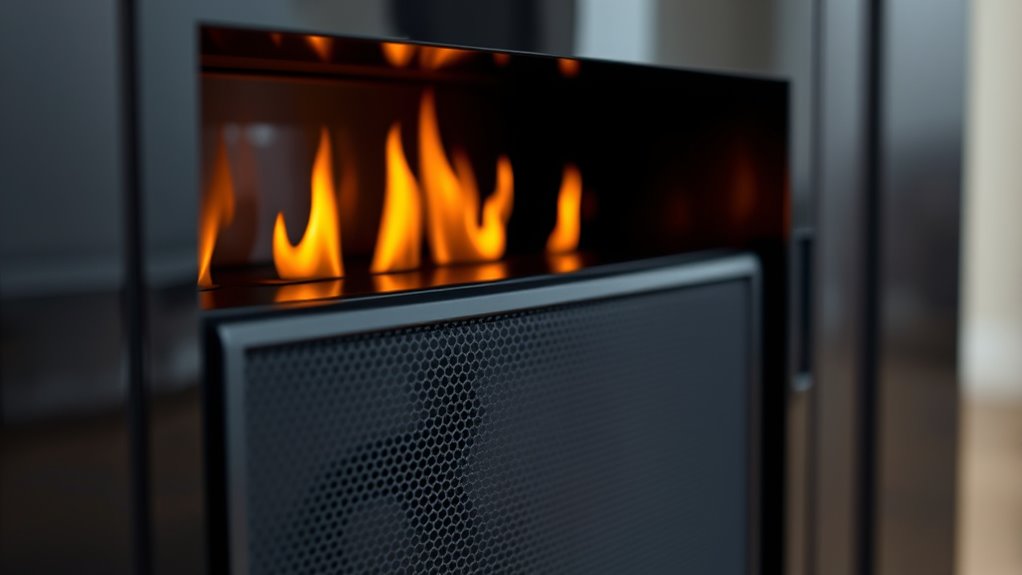
Are you frustrated because your electric fireplace speaker isn’t producing any sound? It’s a common issue, and it can be pretty disruptive if you rely on the audio features for ambiance or entertainment. The good news is, most sound problems can be fixed with some straightforward audio troubleshooting. First, check if the volume controls are turned up and not muted. Sometimes, the simplest solution is overlooked. If the controls seem fine, make sure the device is properly connected to power and the audio source. Many electric fireplaces have a dedicated speaker system that may be connected via internal wiring, so it’s worth inspecting those connections for loose or disconnected wires.
If you don’t see any obvious issues with the wiring or controls, the next step is to take into account the internal components. Speakers can fail over time due to wear or electrical faults. If you suspect a hardware problem, replacing the speaker might be necessary. Speaker replacement involves accessing the internal compartment of your fireplace, which can vary depending on the model. Always unplug your unit before attempting any repairs. Carefully remove the panel or cover that houses the speaker, and disconnect it from the wiring. Take note of how it is connected so you can replicate the setup with the new speaker. When purchasing a replacement, make sure it matches the specifications of the original in terms of size, impedance, and power rating.
During the replacement process, handle the new speaker gently to avoid damaging the cone or wiring. Connect the new speaker to the existing wires, making sure the connections are secure and insulated if necessary. Once everything is in place, reassemble the panel and test the device. If the sound still isn’t working after replacing the speaker, the problem might lie elsewhere, such as the audio output circuitry or the control module. In this case, further troubleshooting or professional repair may be needed. Additionally, proper placement of the internal components can influence sound quality and functionality.

ZeroWater Official Replacement Filter - 5-Stage 0 TDS Water Filter Replacement IAPMO Certified to Reduce Lead, Chromium, and PFOA/PFOS 4-Pack
- Filter Pack Includes 4 Filters: Each filter lasts approximately 15 gallons
- Advanced 5-Stage Filtration: Removes dissolved solids for pure water
- IAPMO Certified & BPA-Free: Reduces lead, chromium, PFOA/PFOS
As an affiliate, we earn on qualifying purchases.
Frequently Asked Questions
Can the Speaker Be Replaced Separately From the Fireplace?
Yes, you can replace the speaker separately from the fireplace. For speaker replacement, you’ll need to identify the specific audio component and carefully remove it. Most models allow for individual replacement of the speaker without needing to replace the entire unit. Check your fireplace’s manual or consult a professional if you’re unsure. Properly replacing the audio component restores sound, ensuring you enjoy the full experience of your electric fireplace.
Is There a Way to Test the Speaker’s Functionality?
You can test the speaker’s functionality through simple speaker testing and audio diagnostics. First, turn on your fireplace and access the audio settings. Play a sound or music to see if the speaker produces audio. If there’s no sound, try using a multimeter to check for continuity or connect the speaker to another audio source. These steps help determine if the speaker is faulty or if there’s an issue elsewhere.
Does the Speaker Require Software Updates?
Yes, your electric fireplace speaker may require a software update or firmware upgrade to function properly. Check the manufacturer’s instructions or app to see if updates are available, and follow the steps to install them. Keeping your device’s firmware current guarantees compatibility and peak performance. Regularly updating the software can resolve bugs and improve sound quality, so it’s a good idea to stay on top of any firmware upgrades.
How Do I Reset the Speaker System?
To reset your electric fireplace speaker system, start with basic speaker troubleshooting by turning off the fireplace and unplugging it. Wait 30 seconds, then plug it back in. Locate the reset button—usually near the speaker or control panel—and press it for about 10 seconds. If there’s no dedicated reset button, consult your user manual for the specific reset procedure. This often resolves common issues and restores sound.
Are There Compatibility Issues With External Audio Devices?
You might experience compatibility issues with external audio devices if Bluetooth interference disrupts your audio connection. To guarantee a smooth connection, keep your device close to the fireplace and minimize other Bluetooth devices nearby. Check that your device supports the required Bluetooth version and audio format. If problems persist, try resetting your device’s Bluetooth and reconnecting. This helps improve the audio connection and reduces interference, ensuring clear sound from your external device.
Conclusion
If your electric fireplace speaker isn’t making any sound, don’t worry—troubleshooting is straightforward. Think of it like tuning a radio; with a little patience, you’ll find the right station. Check your connections, settings, and power source first. If needed, reset or update the firmware. Remember, silence is just a temporary pause, and once you identify the issue, your fireplace will soon be singing like a bird, filling your space with cozy, comforting sounds again.

duraflame® 3D Infrared Quartz Electric Fireplace Stove Heater, Black
- Heating Capacity: 5200 BTU for 1000 sq ft
- Humidified Infrared Heat: Maintains natural room humidity
- 3D Flame Effect: Realistic flames with 5 brightness levels
As an affiliate, we earn on qualifying purchases.