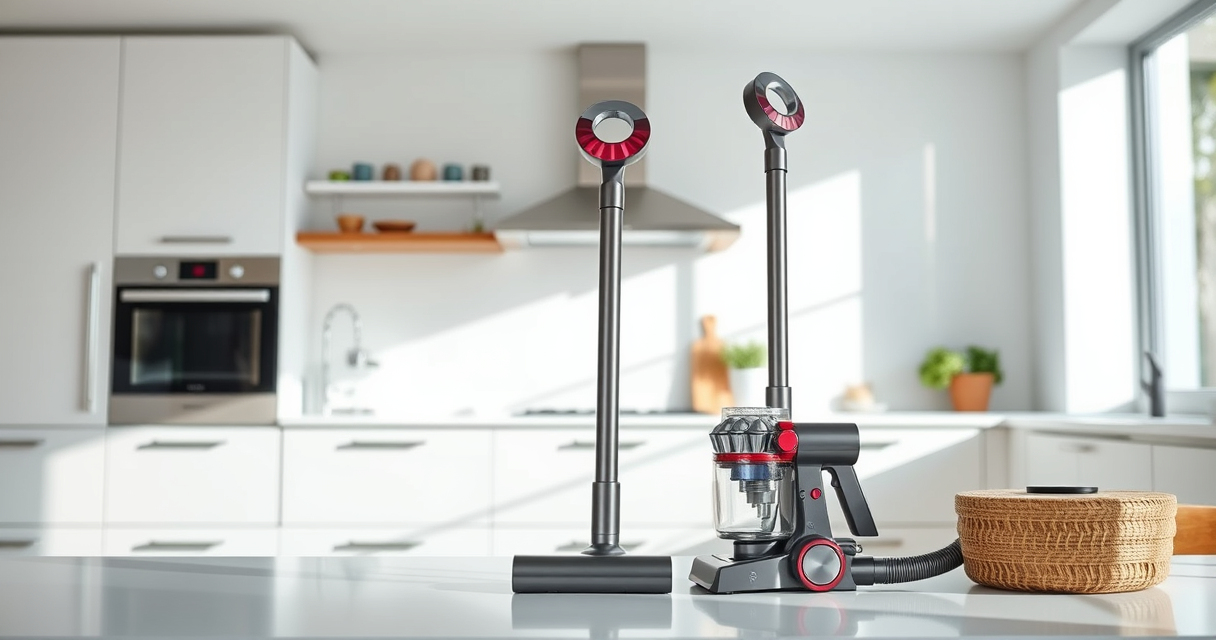
If your Dyson V15 Detect™ Origin cordless vacuum isn’t providing suction, it can be frustrating and hinder your cleaning. Common causes include clogs, dirty filters, or blockages. This guide offers practical, safe steps to identify and fix the issue, restoring your vacuum’s power.
Follow these instructions carefully to troubleshoot common problems and maintain your Dyson for peak performance.
Key Takeaways
| Check for blockages | Blockages in the wand or cleaner head can cause suction loss. |
| Inspect filters | Dirty or clogged filters reduce suction and need cleaning or replacement. |
| Examine the bin | A full bin can restrict airflow, decreasing suction. |
| Ensure proper assembly | Incorrect assembly or loose parts can impact suction power. |
| Regular maintenance | Routine cleaning of filters and brushes maintains maximum suction. |

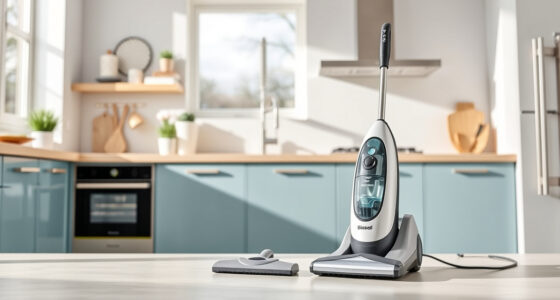
Dyson V15 Detect™ Origin Cordless Vacuum
- Deep cleaning with intelligent dust detection: Reveals invisible dust for thorough cleaning
- Enhanced power and runtime: 100% more power, 60-minute battery life
- Energy-efficient power trigger: Uses power only when needed
As an affiliate, we earn on qualifying purchases.
Step 1: Turn Off and Unplug Your Vacuum
Always ensure your Dyson vacuum is turned off and unplugged from the charging dock or power source before troubleshooting to prevent injury.

LANMU Crevice Tool Vacuum Attachments Compatible with Dyson V15 V12 V11 V10 V9 V8 V7 Gen5 Outsize Vacuum Cleaner, Narrow Nozzel Replacement Parts for Hard-to-Reach Space
- Wide Compatibility: Compatible with various Dyson models
- Slim and Flexible Design: Narrow nozzle for tight spaces
- Versatile Applications: Ideal for home and car cleaning
As an affiliate, we earn on qualifying purchases.
Step 2: Check and Clear Blockages
- Detach the wand and cleaner head from the main body.
- Inspect for visible blockages or debris in the wand, cleaner head, and hose.
- If you find obstructions, carefully remove them using your fingers or a long, flexible tool.
- Reassemble and test if suction improves.
Step 3: Clean or Replace Filters
Dirty filters significantly reduce suction. Remove the pre-filters and main filters from the vacuum.
- Rinse the filters under cold water until clear, then let them air dry completely (at least 24 hours) before reinstalling.
- If filters are worn out or excessively dirty, replace them with the appropriate filters.
Step 4: Empty and Check the Bin
Ensure the dust bin isn’t full, as a full bin can restrict airflow. Empty the bin if necessary and check for any blockages in the outlet or filter area.
Step 5: Reassemble and Test
Reattach all parts securely. Turn on the vacuum and test suction on a clean, flat surface. If suction remains weak, proceed to professional servicing or contact Dyson support.
The Products in This Guide

Dyson V15 Detect™ Origin Cordless Vacuum
- ✔ Max Power Mode: Yes
- ✔ LCD Display: Yes
- ✔ Cleaning Heads: 2 included

LANMU Crevice Tool Vacuum Attachments Compatible
- ✔ Nozzle Width: 1.2 inches
- ✔ Weight: 0.3 lbs
- ✔ Material: ABS plastic
Dyson V15 Detect™ Origin Cordless Vacuum
<p>The Dyson V15 Detect™ Origin offers powerful, intelligent cleaning with features like an LCD screen, adjustable power modes, and advanced cleaner heads. It’s designed for whole-home cleaning, revealing invisible dust and adapting power based on debris and floor type.</p>
Pros:
- Powerful suction with 100% more power
- Intelligent debris detection
- Long 60-minute run time
- Multiple cleaning heads for versatile use
Cons:
- Price may be high for some
- Requires regular filter maintenance
- Battery replacement can be costly
Best for: Deep cleaning of all floor types, pet hair removal, detailed home cleaning
Not ideal for: Basic cleaning needs or budget-conscious users
Bottom line: A powerful, smart vacuum ideal for comprehensive home cleaning.
LANMU Crevice Tool Vacuum Attachments Compatible
<p>The LANMU Crevice Tool Attachments are compatible with various Dyson models, offering a narrow, flexible nozzle ideal for corners, sofa cushions, and car interiors. It helps you access tight spaces easily.</p>
Pros:
- Narrow, flexible design
- Compatible with many Dyson models
- Easy to attach and use
- Perfect for small, hard-to-reach areas
Cons:
- May not fit older or non-compatible models
- Limited to crevice cleaning
- Additional attachments may be needed for larger debris
Best for: Cleaning tight corners, car interiors, and upholstery
Not ideal for: Large debris or heavy-duty cleaning
Bottom line: A versatile tool to enhance your Dyson’s reach and cleaning precision.
Frequently Asked Questions
Can clogged filters cause Dyson no suction issues?
Yes, dirty or clogged filters restrict airflow, leading to reduced or no suction. Regular cleaning or replacement of filters is essential.
How often should I clean or replace filters?
Filters should be rinsed every 2-3 months and replaced if they become excessively dirty or worn out. Always dry filters thoroughly before reinstalling.
What should I do if clearing blockages doesn’t restore suction?
If blockages and filter cleaning don’t fix the problem, check for motor or internal damage. Contact Dyson support or a qualified repair technician.
Is it safe to rinse the filters with water?
Yes, but ensure filters are completely dry before reinstalling to prevent damage or mold growth. Follow manufacturer instructions for cleaning.
Keeping Your Dyson at Peak Performance
Regular maintenance, including cleaning filters, checking for blockages, and proper assembly, ensures your Dyson cordless vacuum maintains optimal suction power. Troubleshooting common issues can often be simple, but don’t hesitate to seek professional help if problems persist. A well-maintained vacuum delivers the best cleaning results and prolongs the device’s lifespan.
Affiliate disclosure: As an Amazon Associate we earn from qualifying purchases. Prices and availability are accurate as of the time of publishing.