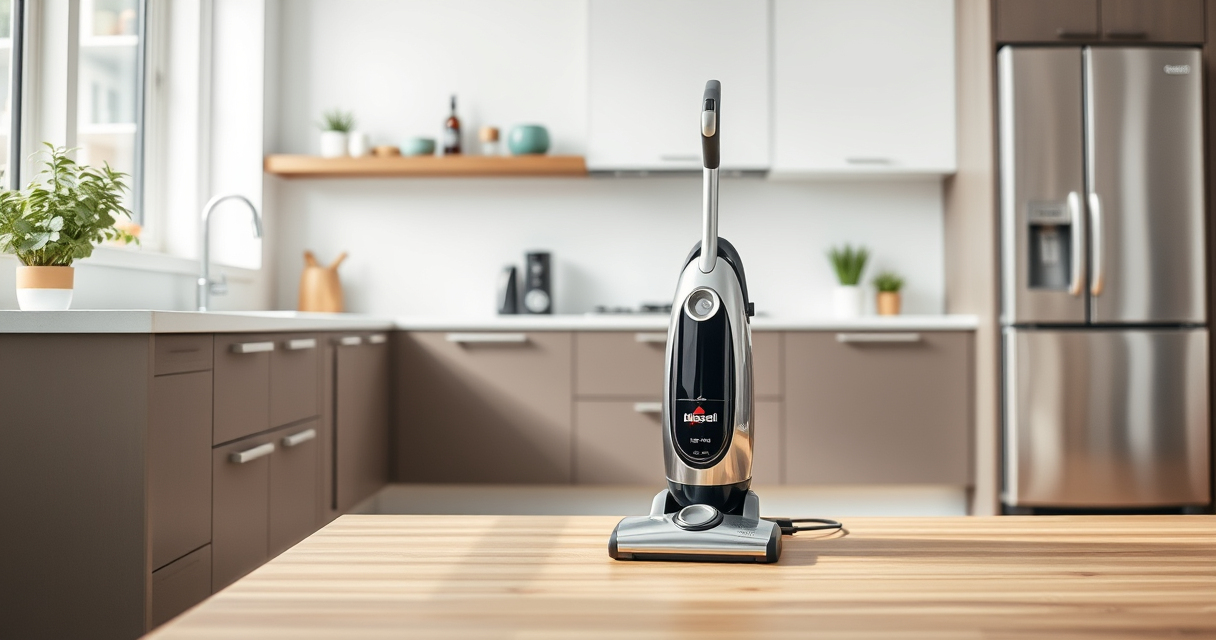

If your Bissell ProHeat 2X Revolution Pet Turbo Carpet Cleaner isn’t picking up water or debris, it can be frustrating. Often, the cause is a simple clog, filter, or hose issue. This guide provides clear, safe steps to diagnose and fix the no-suction problem, helping you get your machine back to optimal performance quickly.

Get home appliances delivered free with Prime
- Fast, free delivery on millions of items
- Prime Video, Amazon Music and more included
- Member-only deals all year
Key Takeaways
| Check for blockages | Clogs in hoses or brushes often cause suction loss. |
| Inspect filters | Dirty or clogged filters reduce suction power. |
| Examine the water tank | Ensure the tank is properly seated and not overfilled. |
| Verify the brush roll | Obstructions or tangled hair can impede brush action and suction. |
Step 1: Turn Off and Unplug the Cleaner
Always disconnect your Bissell cleaner from power before troubleshooting. Safety first!
Step 2: Check and Clear the Hoses and Nozzles
- Remove the water tank and any accessible hoses.
- Look for obstructions or debris blocking the intake or spray nozzles.
- Use a long, flexible brush or a straightened coat hanger to gently dislodge any clogs.
Step 3: Inspect and Clean the Filters
- Locate the filters inside the water tank area and near the brush roll.
- Remove the filters and rinse them thoroughly with warm water.
- Allow filters to dry completely before reinserting.
Step 4: Check the Water Tank and Seal
Ensure the water tank is properly seated and the lid is securely closed. An improperly installed tank can disable suction.
Step 5: Examine the Brush Roll and Belt
- Remove the brush roll cover and inspect for tangled hair, fibers, or debris.
- Check the belt for cracks or looseness; replace if damaged.
The Products in This Guide

BISSELL ProHeat 2X Revolution Pet Turbo Upright Carpet C
- ✔ Model: 35799
- ✔ Power: TurboStrength Motor
- ✔ Cleaning Modes: MAX and Express

JORAIR Brush Replacement Compatible
- ✔ Compatibility: Specific CrossWave models
- ✔ Package Includes: Brush rolls and filters
- ✔ Material: Durable synthetic fibers
BISSELL ProHeat 2X Revolution Pet Turbo Upright Carpet C
The BISSELL ProHeat 2X Revolution Pet Turbo is a powerful carpet cleaner with advanced technology. When facing suction problems, proper maintenance and cleaning are key to restoring performance.
Pros:
- Powerful 40% more suction
- Easy to disassemble for cleaning
- Effective filter system
- Quiet operation
Cons:
- Can be complex to access internal parts
- Filters may need regular replacement
Best for: Maintaining professional-grade cleaning at home
Not ideal for: If the machine has a motor failure or internal damage
Bottom line: Regular cleaning and inspection will keep your Bissell cleaner performing at its best.
JORAIR Brush Replacement Compatible
Replacing worn brushes and filters can significantly improve suction and cleaning efficiency. The JORAIR pack offers compatible brushes and filters for Bissell CrossWave, enhancing your machine’s performance.
Pros:
- Affordable 3-pack
- Compatible with multiple models
- Includes filters and brush rolls
- Easy to install
Cons:
- Only compatible with specific CrossWave models
- Limited to replacement parts
Best for: Restoring cleaning power and maintaining your machine
Not ideal for: If your machine has internal motor issues
Bottom line: A simple upgrade that can revive your cleaning machine’s suction.
Frequently Asked Questions
Why isn’t my Bissell cleaner picking up water or dirt?
Common causes include clogs in hoses or nozzles, dirty filters, or an improperly installed water tank. Troubleshooting these areas often restores suction.
How often should I clean the filters?
It’s best to rinse the filters after every few uses or when you notice reduced suction. Always allow filters to dry completely before reusing.
Can I use any cleaning solution with my Bissell?
Use only BISSELL Multi-Surface Solution or other recommended formulas to avoid damage and ensure optimal cleaning performance.
What if cleaning doesn’t restore suction?
If the problem persists after cleaning and clearing blockages, the motor or internal parts may need professional repair or replacement.
Keep Your Carpet Cleaner in Peak Condition
Regular maintenance, including cleaning filters, inspecting hoses, and removing debris from brushes, will ensure your Bissell ProHeat 2X Revolution Pet Turbo continues to deliver powerful suction. Troubleshooting step-by-step helps prevent costly repairs and extends your machine’s lifespan. With proper care, you’ll enjoy spotless carpets with minimal hassle.
Affiliate disclosure: As an Amazon Associate we earn from qualifying purchases. Prices and availability are accurate as of the time of publishing.